Settings follow your account
Sign in on a supported device to receive your saved service and region preferences.

Finish your routing setup on your phone, then sign in to use it on your computer and TV. Each service connects through the content region that suits it.
30-day money-back guarantee
Sign in on a supported device to receive your saved service and region preferences.
Different streaming services can each use a suitable content region without choosing a node before every show.
Change a preference once and keep supported devices aligned without repeating the setup.
Choose content regions for services on your phone. When you return to your computer or TV, compatible services can continue with those preferences.
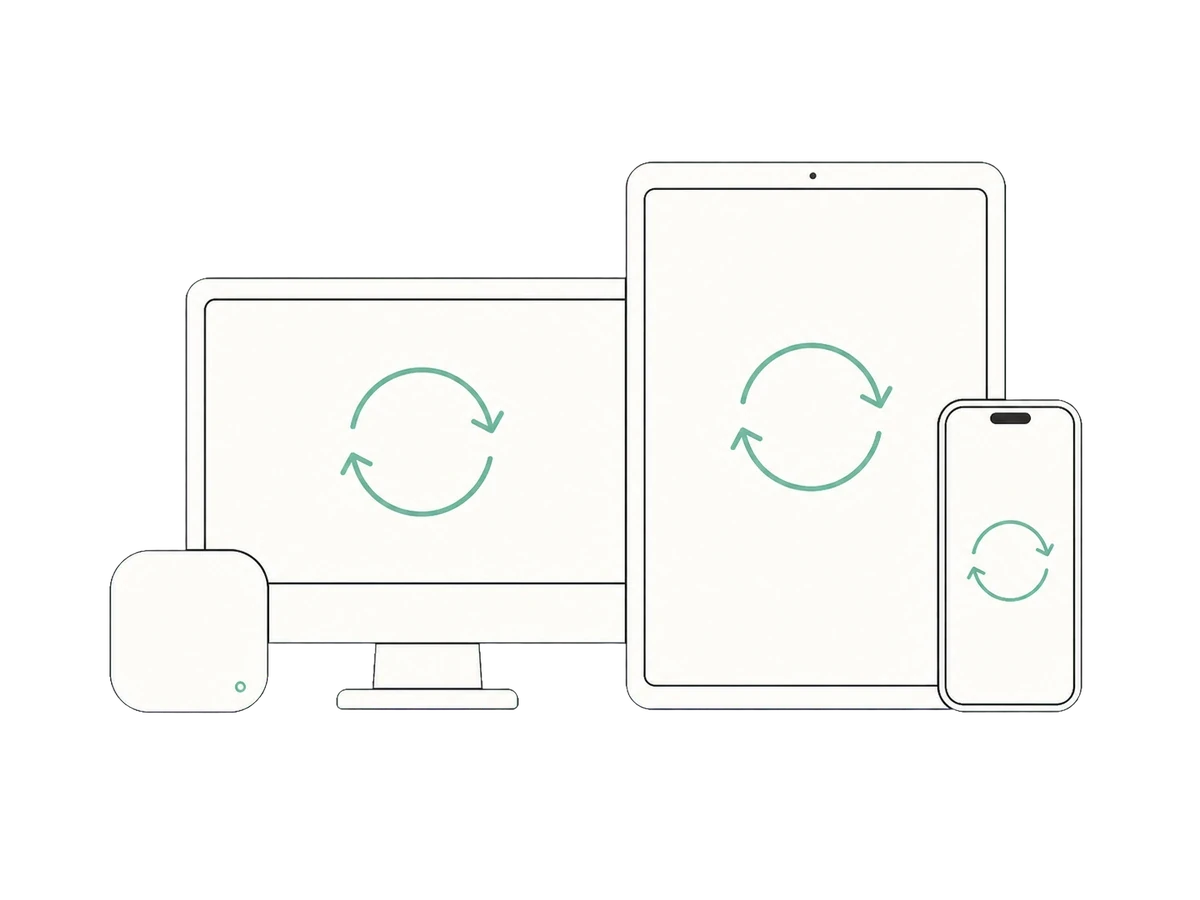
The interface adapts to each device while your service preferences stay familiar.
Quickly manage services and regions.
Keep work and entertainment on the right paths.
Let each streaming service use a suitable content region.
One purchase supports up to 10 devices at once, with more device types on the way.
After you sign in to the same Glim account, supported service and region preferences are applied to compatible devices. You can still adjust an individual device when needed.
Yes. If one device needs a different arrangement, you can adjust it without changing how you manage other services.
Current plans support up to 10 connected devices. Supported platforms remain subject to the download page and in-product information.
Spend less time repeating settings and more time using the devices around you.
View plans