Protect all traffic with one click
Switch global mode when necessary to allow network requests on the device to go through an encrypted connection.

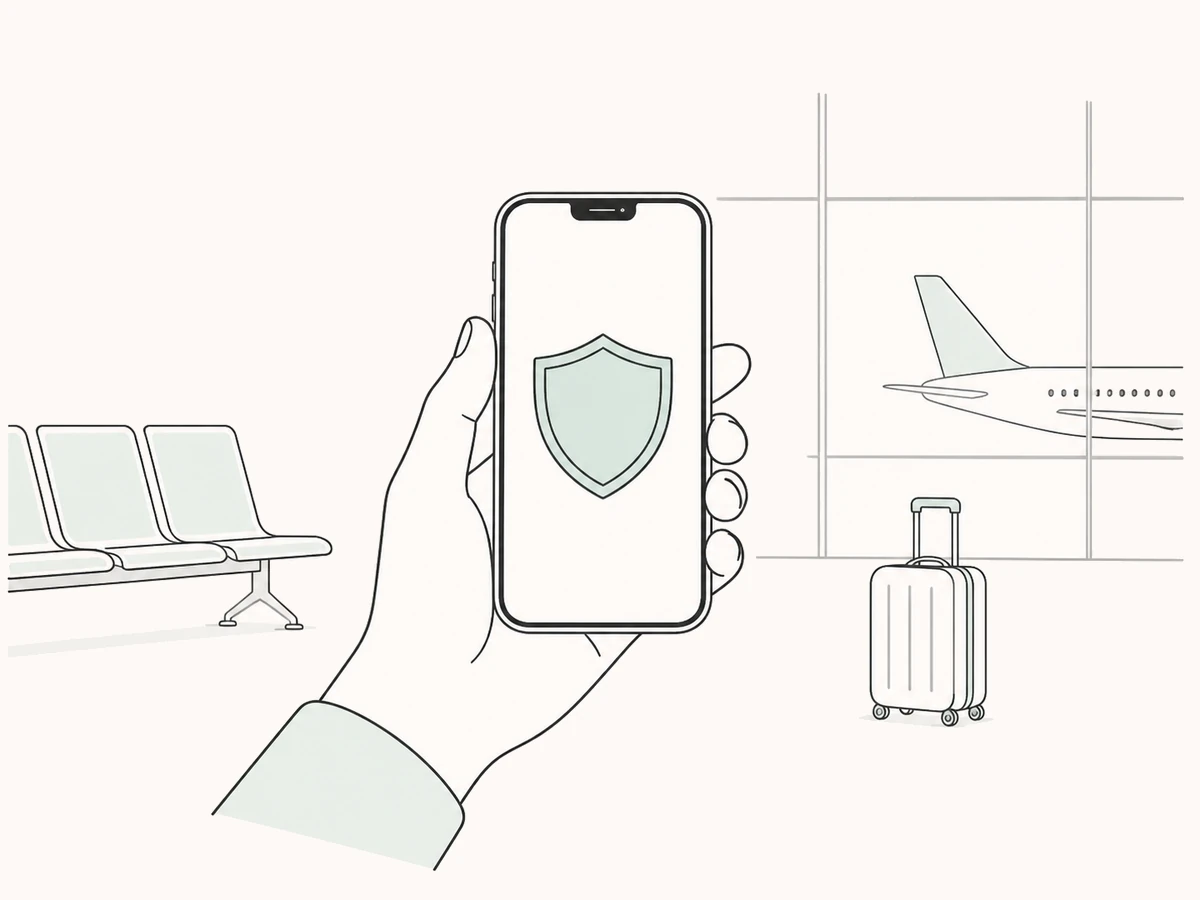
Network in cafes, airports, hotels and shared offices is convenient but difficult to confirm the environment. Glim lets you enable global encryption with one click, adding a layer of protection for network transmissions on your device.
30-day money-back guarantee
Switch global mode when necessary to allow network requests on the device to go through an encrypted connection.
Switch from mobile to public Wi-Fi without having to adjust each app's connection settings one by one.
Mobile phones and computers can use the same set of simple operations, which is suitable for mobile network environments.
The management method and security status of public hotspots often cannot be confirmed. After turning on Glim global mode, device traffic will first enter the encrypted channel and then go to the destination service.
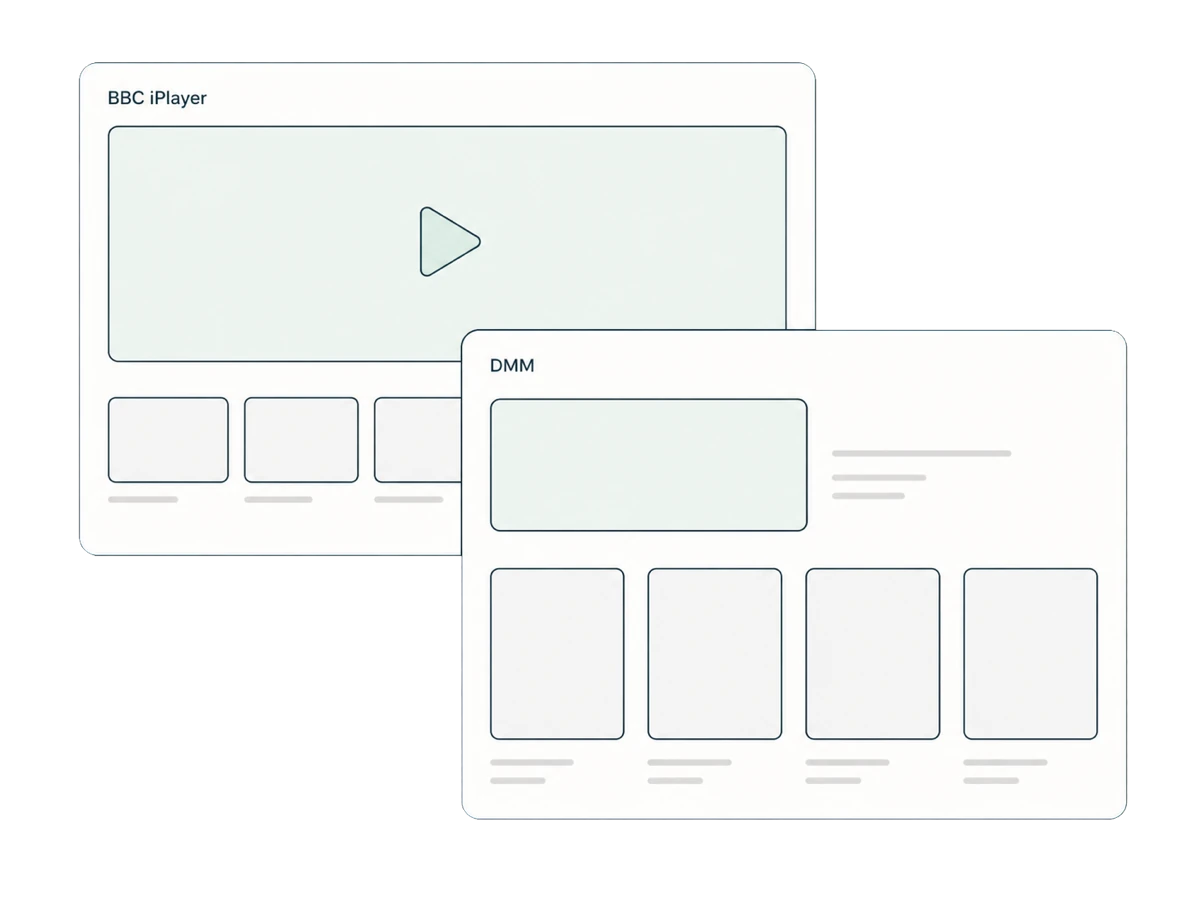
In a public environment, all requests can be protected first; after returning to a trusted network, intelligent offloading can be used to protect only specific applications and take into account direct connections to local services.
Confirm an encrypted connection before starting to browse or work.
Open Glim after your phone or computer is connected to the public network.
Let device traffic uniformly enter the encrypted channel.
After the connection is completed, start browsing, communicating or working.
VPNs can reduce the risk of public network transmissions being snooped, but they cannot prevent phishing sites, malicious downloads, weak passwords, or security issues with the device itself. Please still confirm your network name, website URL, and login prompt.
One purchase supports up to 10 devices at once, with more device types on the way.
Not necessarily, but it is often difficult for users to confirm hotspot settings and other connected users. It is prudent to enable encryption for important transmissions.
No. VPN protects connection transmission and does not judge whether the website is trustworthy; you should still stop operations when encountering suspicious URLs or login pages.
Some location-sensitive services may be affected. You can switch to smart offloading on a trusted network to keep local services directly connected.
Open Glim and start dealing with the really important things on the road.
View plans