Serve one region
Set different destinations for different audio and video platforms, so you don’t have to watch one and then switch the entire device.

Audio and video services do not have to share the same global line. Specify respective regions for different platforms, Glim automatically offloads and continuously selects available nodes, and local applications still maintain direct connections.
30-day money-back guarantee
Set different destinations for different audio and video platforms, so you don’t have to watch one and then switch the entire device.
Glim continuously checks service nodes and preferentially selects more suitable connections among available options.
Only allow selected streaming services to pass through the designated area, and other applications will retain their original connections.
After adding common streaming services to the rules, you can specify the content regions separately. Open Glim once, and each service will be connected according to its own settings. There is no need to switch repeatedly before playing.
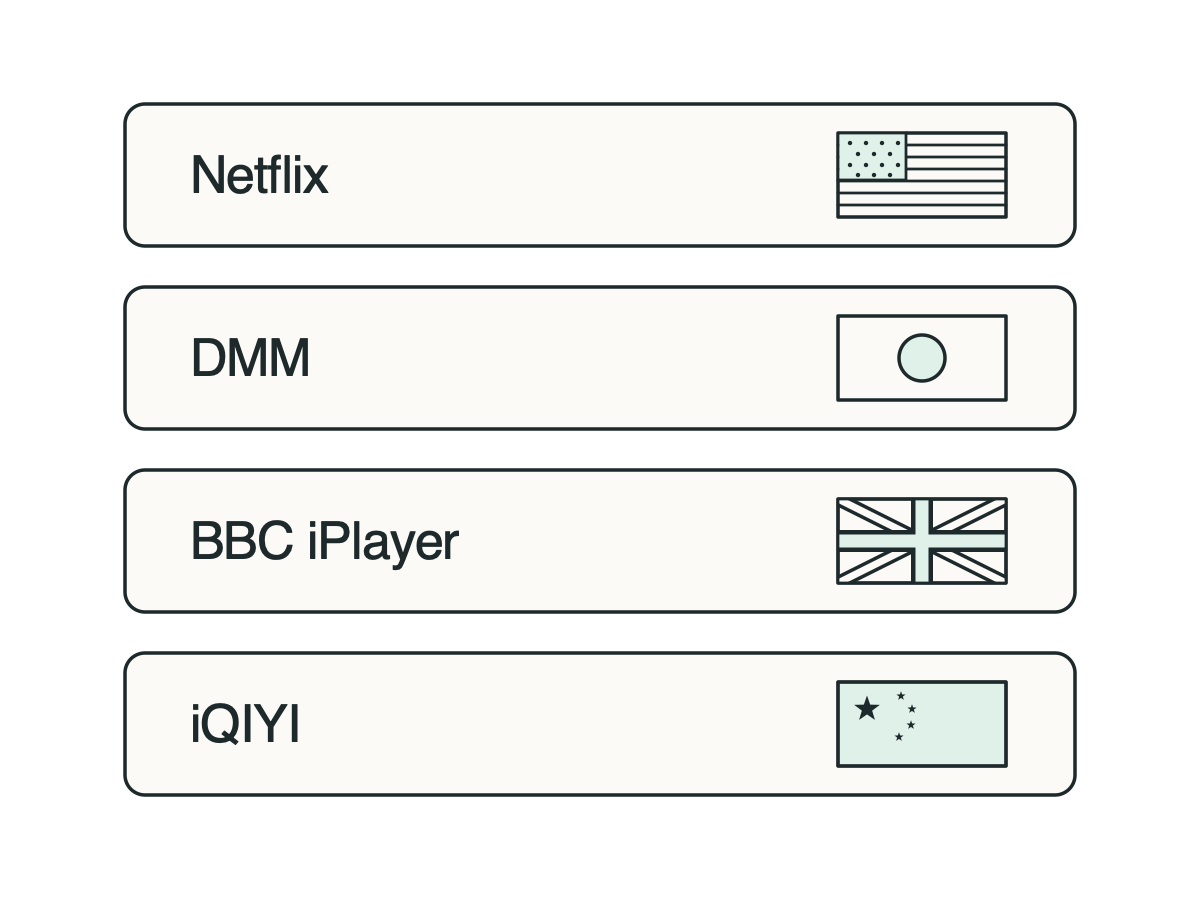
Node status may change over time and platforms. Glim will continuously check availability in supported services and regions to reduce manual trial and error.

Select the region for each service, and then start the player directly.
Select a commonly used streaming platform.
Select a preferred region for each service.
Start the service as usual after connecting, and other applications will not be affected.
Streaming content and functionality are subject to platform authorization, account plan, device, location and service policies; node availability may also vary. Please comply with the platform terms and local regulations.
One purchase supports up to 10 devices at once, with more device types on the way.
Yes. Different services can select regions separately; the same service will use one region according to the current rules at the same time.
No. Content availability is determined by the streaming platform and may vary based on entitlements, accounts, devices and policies.
Not when using smart offloading. Only the services you added to the rule will go through the specified route, and other applications will keep their original connections.
Set up multiple streaming services at once and let them go their separate ways.
View plans