Your whole device
All network requests can enter the encrypted tunnel.

When you need complete protection, Glim sends your device traffic through one secure tunnel. Browsers, apps, and background connections need no separate setup.
30-day money-back guarantee
All network requests can enter the encrypted tunnel.
Choose Smart Routing or Global Mode for the moment.
Add protection on cafe, airport, and hotel networks.
Global Mode works at the device level, so messaging, media, work tools, and background services share one encrypted tunnel. You do not need to identify every app first.
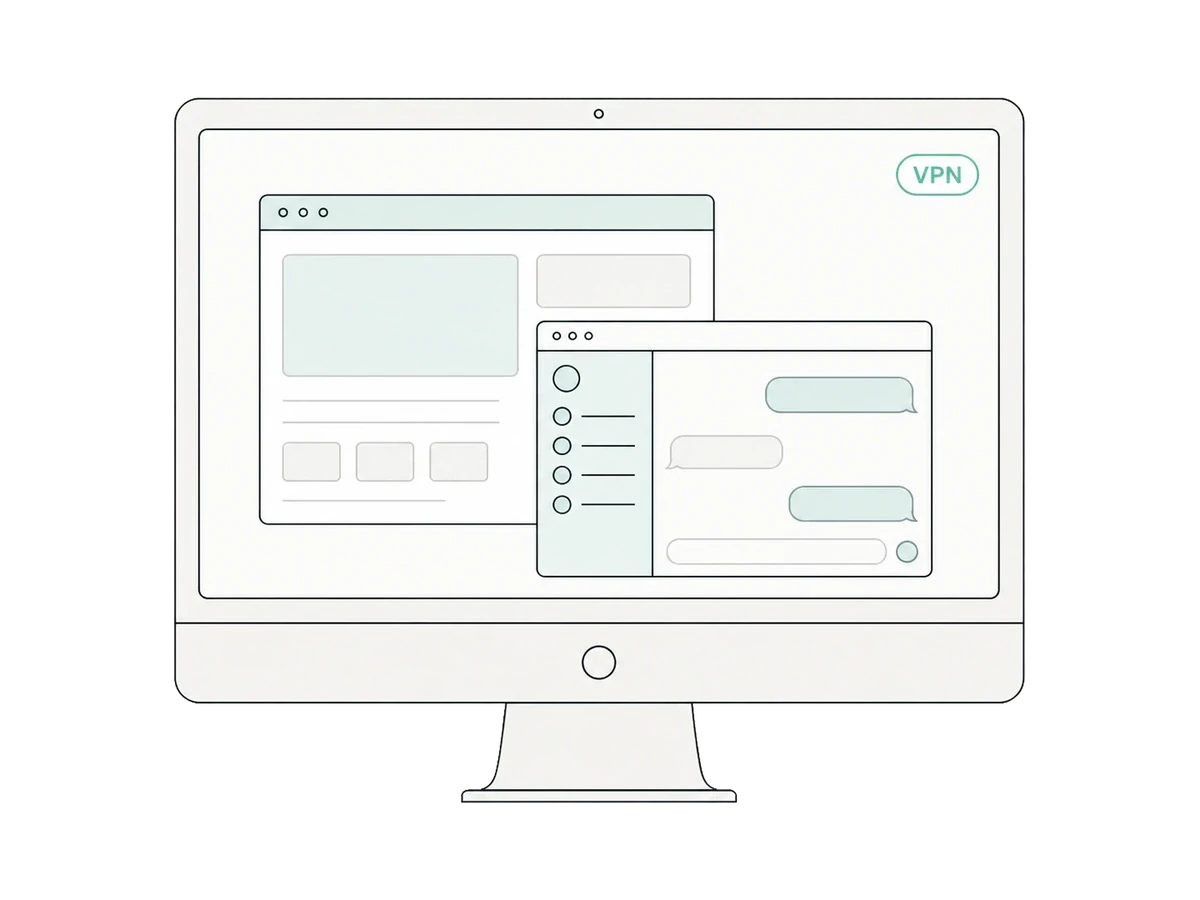
On unfamiliar Wi-Fi, Global Mode puts every request inside the encrypted tunnel. Protection stays consistent from your first web page to background sync.
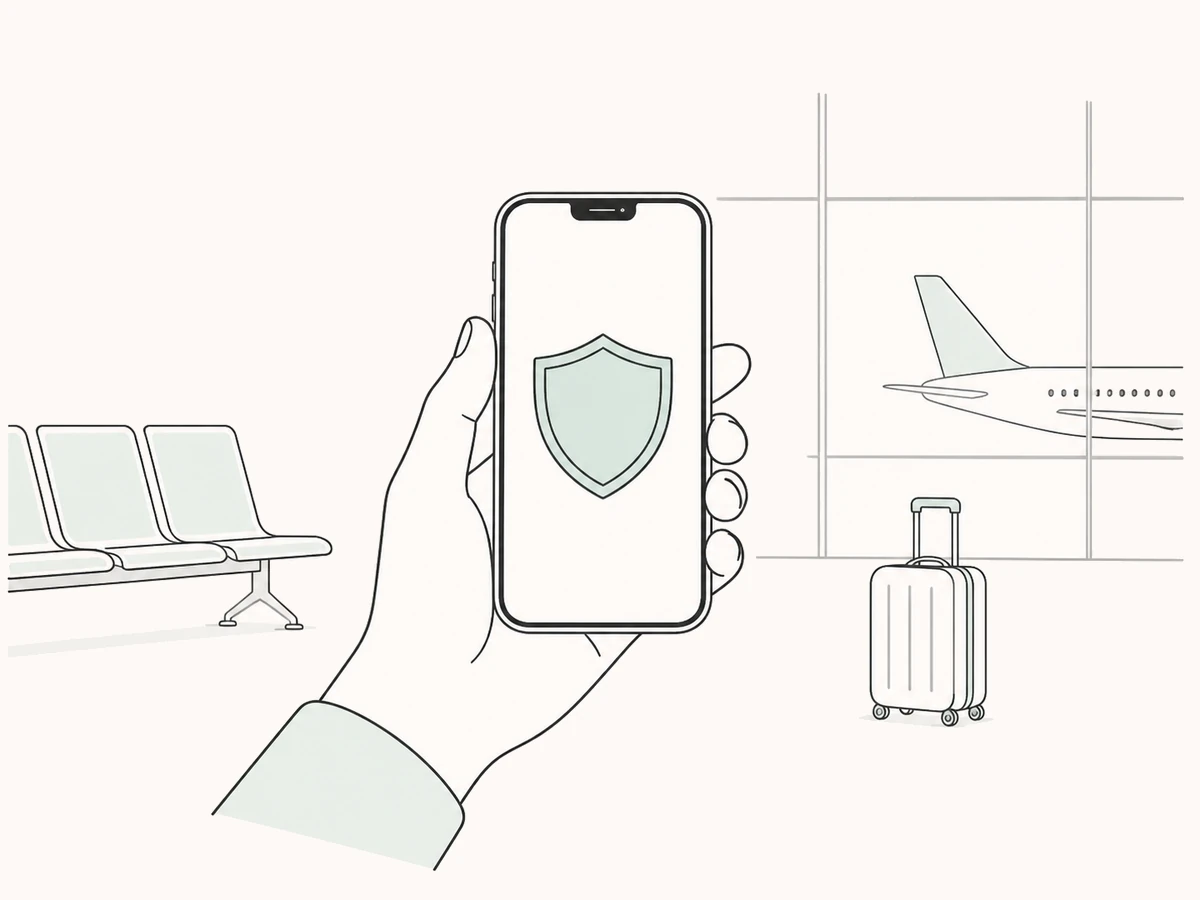
Use Smart Routing for everyday speed, then switch to Global Mode when you want complete coverage.
Global Mode gives the whole device one clear protection policy.
Create an encrypted tunnel for every request on unfamiliar networks.
One purchase supports up to 10 devices at once, with more device types on the way.
Use Global Mode on public Wi-Fi, when every app should use one encrypted tunnel, or when you do not want to configure rules individually.
Global Mode protects all device traffic. Smart Routing sends only selected apps and services through their chosen routes while local traffic stays direct.
Yes. The two modes serve different situations, and you can switch whenever your network or needs change.